
Designing the End-to-End Publishing Experience
How I led the design of Riverside’s first end-to-end podcast publishing experience—from onboarding show setup to uploading and releasing episodes with AI-powered support.
My Role
Lead UX and UI design
User Flows
Prototyping
Deliverables
User Interviews
Component Libraries
High Fidelity Designs
Team
Designer
Product Manager
UX writer & Developers
Overview
Riverside provided a top-notch recording studio but needed a podcast publishing solution. I spearheaded the of Riverside's first publishing experience, which included show definition, RSS connection, and a complete publishing flow. This case study focuses on two main components: Show Setup Onboarding and Episode Publishing Flow.

The Problem
Riverside was where podcasters recorded—but not where they finished. After recording, users would typically download their files to edit externally, then upload them to a third-party hosting platform like Transistor or Buzzsprout. This created a major drop-off point. Once users left the platform to edit or publish elsewhere, they rarely returned. At the same time, users expected Riverside to provide a complete podcasting workflow. They were looking for features like episode publishing, show-level management, hosting and RSS support, and access to analytics.
However, none of these capabilities existed yet.

What would users do?
User research
To understand the workflow and uncover opportunities, I interviewed 7 podcast creators using Riverside for recording. The goal was to explore current publishing workflows, identify challenges, and determine what would drive users to complete their process inside Riverside.


Quotes
"If I could edit and publish in one place, it would save me so much time and eliminate the need for multiple tools."
"Once I download my episode, I don’t come back. Publishing in Riverside would keep everything in one flow."
"Having recording, editing, and publishing in one place—plus analytics—would be a game-changer."
Key findings
-
Audio currently leads, but video is rising
-
External editing broke flow
-
RSS setup was unclear
-
Publishing needed many tools
-
Users expected hosting
-
Basic analytics was essential
Opportunity
Podcast setup
Before publishing an episode, users must first create a Podcast—the core structure of any podcast. I designed a step-by-step Podcast Setup flow to simplify this process and improve clarity. The walkthrough stepper breaks the setup into focused tasks, helping users stay on track and reducing friction.

Create episode
To make starting a new episode feel fast and flexible, I designed a sliding sidebar menu that opens directly in the editor. From here, users can either attach a recording they made in Riverside or upload an external file they edited elsewhere Adding the upload option was key—we identified a major drop-off when users downloaded recordings for external editing and didn’t return. By supporting uploads, I created a smooth way back into the platform, keeping more creators in the publishing flow.


AI-Generated Titles & Transcripts
When a file is uploaded, Riverside auto-generates a title and transcript using AI in the background. Users can edit or regenerate the title with one click. The design keeps AI helpful but invisible—results appear just in time, without interrupting the flow.

Connect
The connection flow was designed to feel lightweight and non-intrusive, guiding users through setup without breaking their focus.
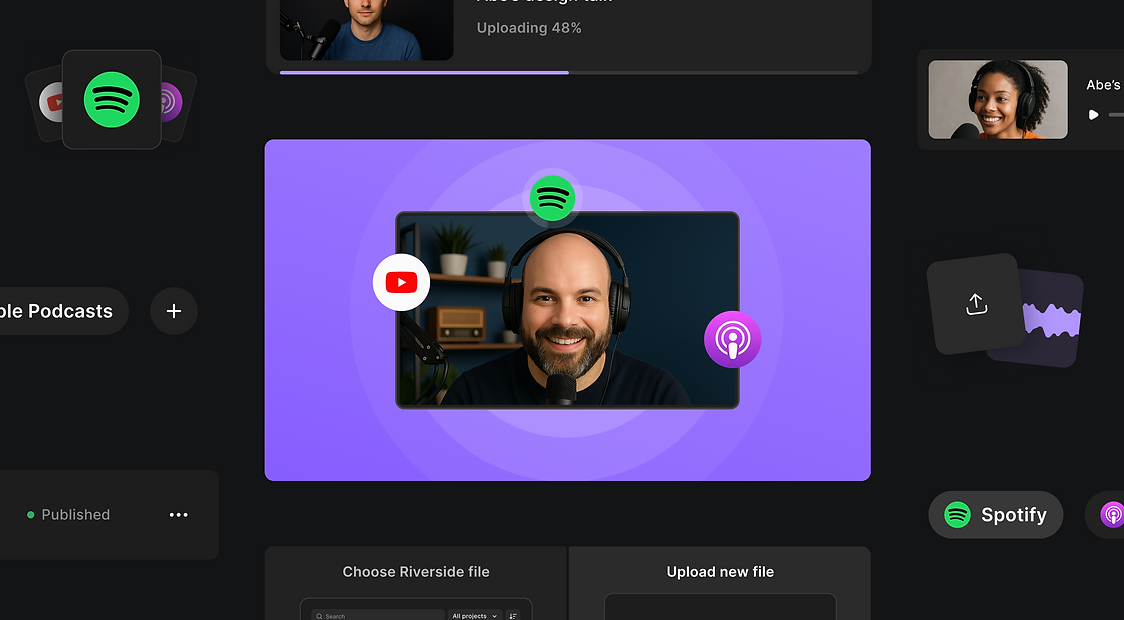
Once users are ready to publish, they can quickly connect their show to platforms like Spotify by copying their RSS feed and submitting it.
The interface is kept minimal, with clear actions and inline feedback, making it easy to add, manage, and confirm connections—all without leaving the flow.


Published
Riverside provided a top-notch recording studio but needed a podcast publishing solution. I spearheaded the of Riverside's first publishing experience, which included show definition, RSS connection, and a complete publishing flow. This case study focuses on two main components: Show Setup Onboarding and Episode Publishing Flow.


